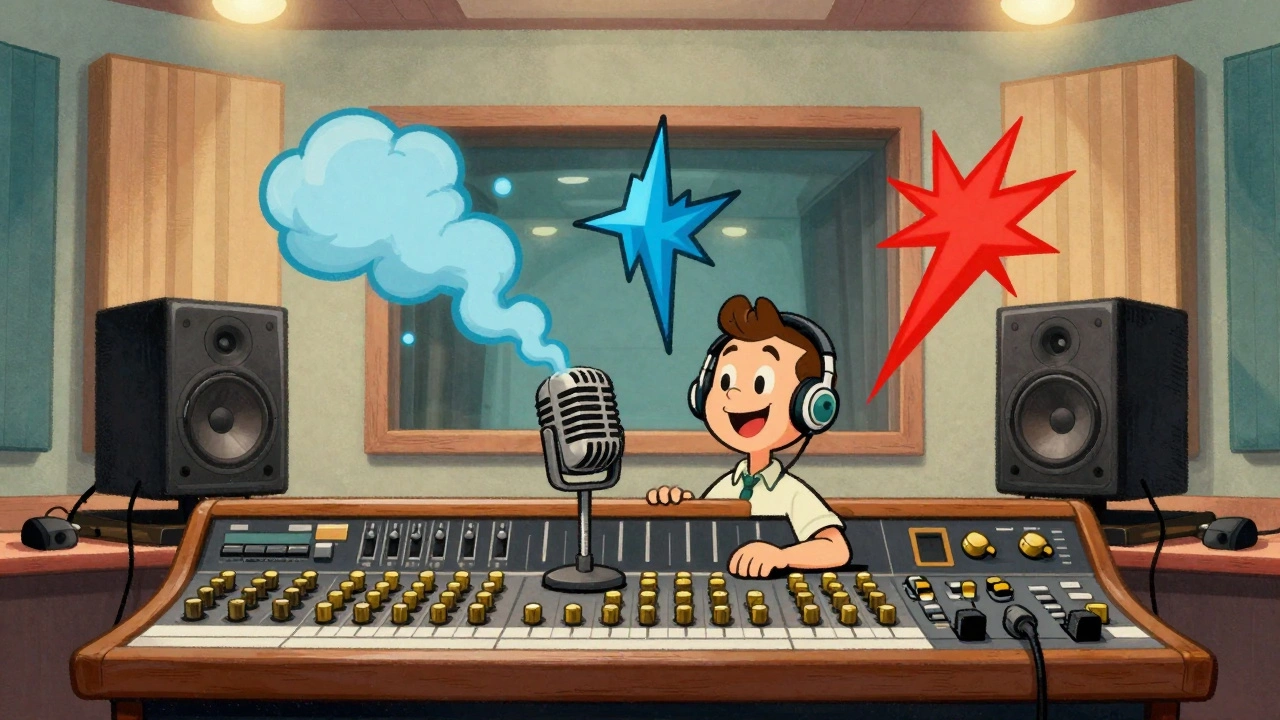

Have you ever heard a track that felt flat, like everyone was playing inside a shoebox? Or maybe a song that sounded huge, breathing with life and space? That difference often comes down to three specific tools sitting in your mixer. You might know Reverb, but do you truly understand how it shapes your Audio Mixing decisions? Many producers grab the default settings and move on, leaving their vocals dry or their guitars muddy.
We need to talk about Sound Processing. It isn’t just about making things sound “effect-y.” It is about building a world for your listener to enter. Today, we are breaking down the big three: Reverb, Delay, and Distortion. These aren’t random buttons; they are essential elements of Signal Processing that define depth, rhythm, and texture.
The Science of Space: Understanding Reverb
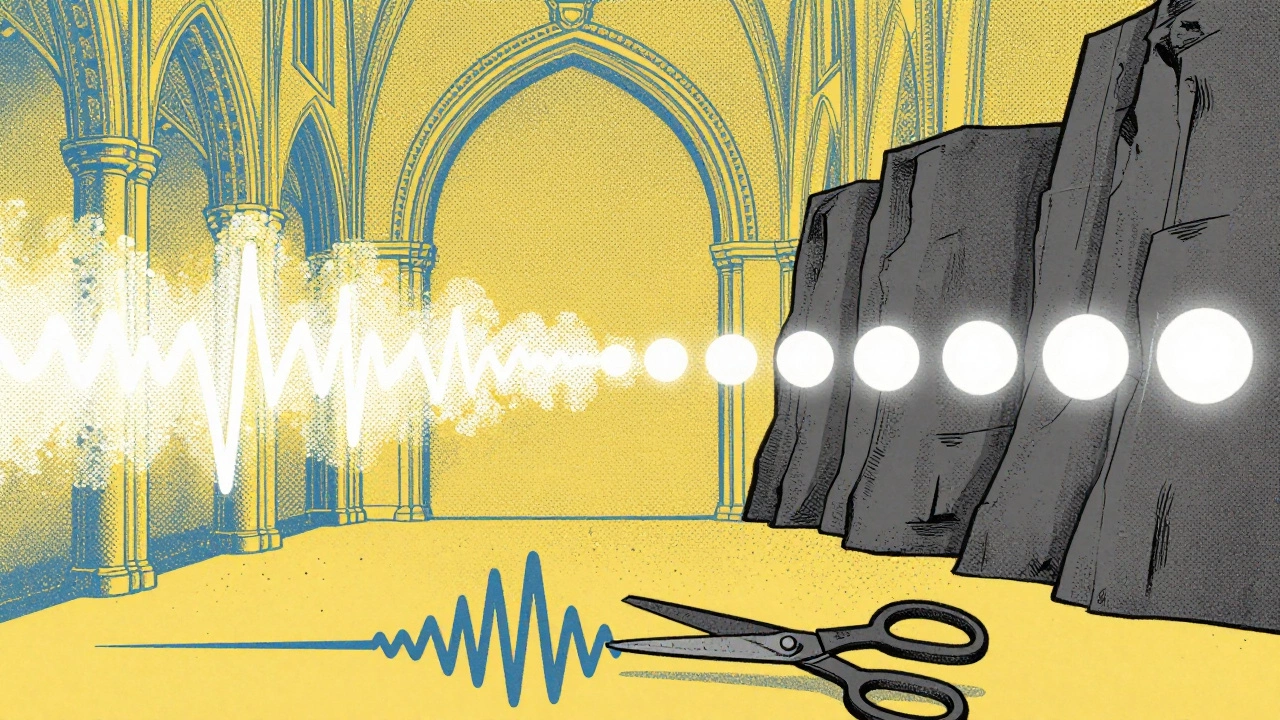
First, let’s look at how we simulate room acoustics. When you clap in a tiled bathroom, you hear echoes bouncing off the walls until they fade away. That physical phenomenon is what Reverb is a diffused delay effect that mimics how sound bounces off surfaces in a physical space.
If you place a microphone in a cathedral, you capture thousands of reflections instantly. A digital reverb plugin attempts to calculate this mathematically. The goal isn’t always realism; sometimes, you want the sound of a plate spring or a synthetic hall that doesn’t exist physically.
You have a few crucial knobs to turn here. One of the most misunderstood controls is Pre-Delay. This parameter controls the gap between the original sound (dry signal) and the start of the reverb tail.
- Short Pre-Delay: The reverb starts immediately, gluing the sound to the space quickly.
- Long Pre-Delay: Creates a sense of distance. The dry sound hits first, then the space arrives after.
Why does this matter? If your reverb starts too early, it smears the transients of your snare or vocal. By adding a slight pre-delay (maybe 20 to 40 milliseconds), you keep the initial attack crisp while still filling the background.
Next up is Decay Time. This determines how long those reflections linger before fading to silence. A short decay feels intimate, like a small practice room. A long decay simulates a concert hall or cathedral. Professionals often recommend setting reverb time between 1 to 3 seconds for most musical contexts. Anything longer risks washing out your mix with low-end rumble.
Rhythmic Echoes: Working with Delay
While reverb creates a wash of sound, Delay is a time-based effect that creates distinct, repetitive echoes of the original signal. Think of shouting toward a canyon wall and hearing that single shout bounce back clearly once, twice, maybe a third time before stopping.
This distinction is vital. Reverb blurs details together; delay keeps them separate. If you want rhythmic interest, delay is your tool. Here is what you need to adjust:
| Parameter | Function | Typical Setting |
|---|---|---|
| Time | Interval between repeats | Synced to Tempo (e.g., 8th note) |
| Feedback | Number of repeats | 30% - 60% |
| Mix | Dry vs. Wet balance | Start at 15% - 20% |
Notice the Feedback parameter. Increasing this sends the echo back through the effect chain, creating more repeats. Too much feedback, however, leads to noise buildup. It turns into a mess. Most engineers keep feedback moderate so the tail decays naturally.
There is also the type of delay itself. Analog Tape units warm up the sound with subtle modulation, whereas digital delays are precise and sharp. Some vintage gear uses actual magnetic tape loops, warping the pitch slightly on each repeat. Modern plugins mimic this warmth perfectly.
Texture and Edge: Introducing Distortion
The title mentions Distortion, so we must cover it. Unlike reverb and delay, distortion is not a time-based effect. It changes the shape of the waveform itself.
When you push a guitar amp or a digital circuit beyond its limits, the peaks of the wave get chopped off. We call this clipping. While excessive clipping damages equipment, controlled distortion adds harmonic content. This makes the instrument cut through the mix better.
Think of it like seasoning food. A little salt brings out flavor; too much ruins the meal. In audio, Distortion adds grit and presence. You can apply this to vocals to add aggression, or to drums to make them feel lo-fi and punchy. It transforms a sterile digital recording into something that feels alive and organic.
Comparing Spatial Tools
How do you decide between Reverb and Delay? Sometimes people try to fix a dry vocal with a massive hall reverb, but that often muddies the frequencies below 300Hz. A short delay can lift the vocal without cluttering the low end. Let’s compare their impact on the stereo field.
| Feature | Reverb | Delay |
|---|---|---|
| Primary Goal | Create acoustic space | Add rhythm and width |
| Reflections | Dense and continuous | Discrete and timed |
| Frequency Impact | Often darkens mix | Keeps original tone clear |
Use reverb when you want the listener to feel surrounded. Use delay when you want to enhance movement and sync patterns with the beat. Both tools expand the Stereo Field, but they occupy different mental spaces.
Advanced Integration Techniques
Applying the effect is step one. Polishing it is step two. This is where EQ integration becomes mandatory. You rarely want the effect to have the full frequency spectrum of the original source.
Try rolling off high frequencies on your reverb tail. High-end reverb reflections often introduce harsh sibilance. Conversely, boosting lows can create unnatural boominess. Cut frequencies above 10kHz on your wet signal. This places the effect behind the dry sound naturally.
For delay, experiment with the doubling effect. Set a delay time around 20 to 50 milliseconds with zero feedback. This tricks the brain into hearing a second vocalist or guitarist. It thickens the sound without widening the stereo image excessively.
One pro tip for percussion: Apply delay specifically to hand claps or snares. Remove the low end with EQ so the delay repeats sound like hi-hats. This creates a synth-like texture from organic percussion samples. It adds a layer of groove without occupying the frequency range of your kick drum.
Avoiding Common Pitfalls
Beginners often make the mistake of putting the exact same bus reverb on every single track. This ties all instruments to one space, reducing contrast. If your vocal sits deep and your guitar sits deep, nothing stands out.
Instead, vary the decay times. Keep your vocal closer with a shorter room impulse. Send your guitars to a larger, brighter hall. Contrast creates depth. To make something sound far away, you must have elements that sound close. This dynamic relationship is what gives a mix its three-dimensional quality.
If your mix feels muddy, check your low-end processing. Do not apply full-spectrum effects to bass frequencies. Always high-pass filter your reverb return channel around 250Hz to protect the weight of your kick and bass.
Frequently Asked Questions
What is the main difference between reverb and delay?
Reverb creates a dense wash of reflections that simulate a physical space, while delay creates discrete, timed echoes. Reverb blends sounds together, whereas delay keeps them separated by time intervals.
How do I stop my reverb from sounding muddy?
Use EQ on your reverb return channel. Cut low frequencies below 250Hz and reduce high frequencies above 10kHz. Also, increase pre-delay to keep the dry signal intact.
When should I use distortion instead of reverb?
Use distortion when you need more harmonic content and presence to help a track cut through the mix. Use reverb when you need to simulate acoustic space or depth.
What is pre-delay in reverb?
Pre-delay is the time gap between the dry signal and the onset of the reverb. It prevents the effect from smearing the initial transient of the sound.
Can I use delay for widening vocals?
Yes. Panning delay repeats left and right creates a wide stereo image. Short delay times (doubling effect) also thicken the center channel.


