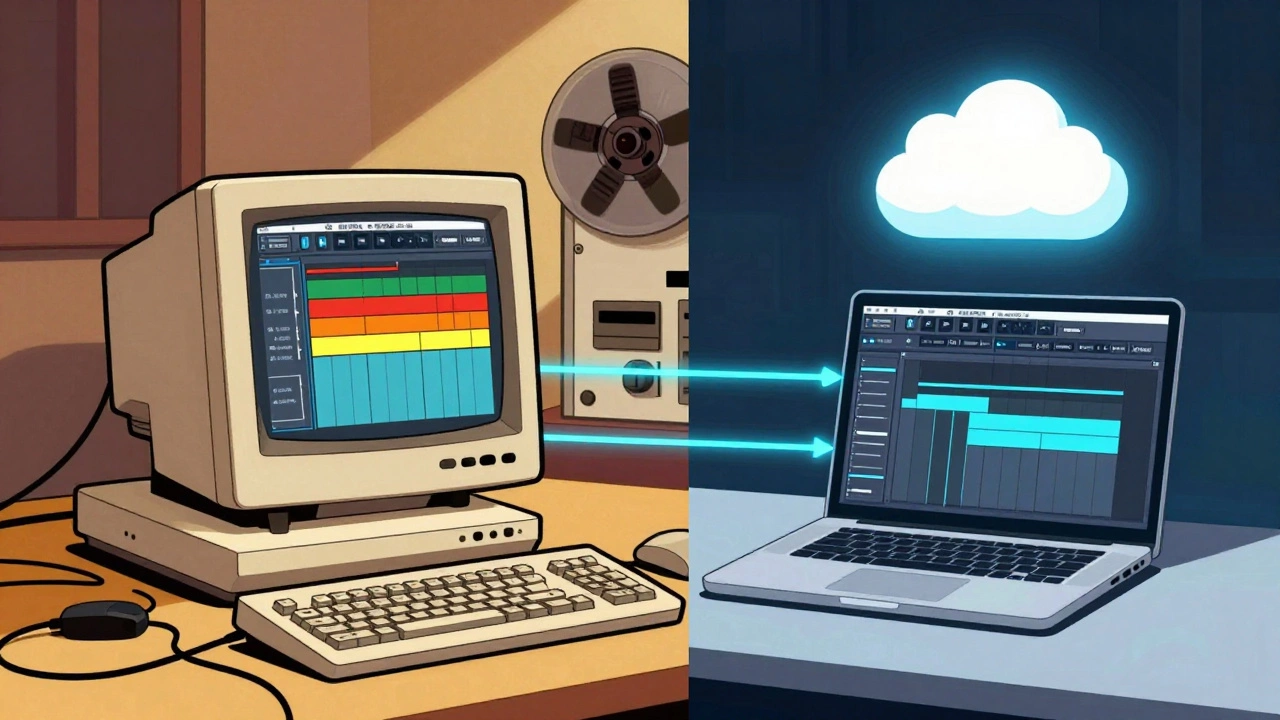

Grab your mouse and scroll down a timeline. You’re likely looking at a grid of colored blocks representing audio clips, video footage, or musical bars. It feels intuitive, doesn’t it? But that interface didn’t just appear out of thin air in the age of AI and cloud computing. It was born in the late 1980s and solidified throughout the 1990s. Even though we now record music in our bedrooms and collaborate with producers across the globe via the internet, the underlying logic of how we manage files remains stubbornly rooted in thirty-year-old habits.
We call these modern setups "hybrid workflows" because they mix local power with cloud convenience. Yet, if you peel back the layers of software like Pro Tools, which is a professional digital audio workstation developed by Avid Technology, you’ll find the same skeleton structure used when tape decks ruled the studio. Understanding this legacy isn't just about nostalgia; it explains why certain bottlenecks persist and why switching to fully cloud-based tools often feels jarring rather than liberating.
The Birth of the Non-Linear Mindset
Before the 1990s, editing audio and video meant physically cutting tape. If you made a mistake, you had to splice the magnetic ribbon together with adhesive. It was linear, destructive, and unforgiving. The introduction of Non-Linear Editing (NLE), which refers to the process of digitally editing media assets without altering the original source material changed everything. Systems like Avid Media Composer (commercialized in 1989) and early versions of Pro Tools (released in 1991) introduced the concept of a "project file."
This project file is the holy grail of 1990s production. It doesn’t contain the actual audio data. Instead, it contains instructions-metadata-that tell the computer where to look for the sound files on the hard drive. This separation between the container (the session) and the content (the audio) is still the standard today. When you open a session in Logic Pro or Ableton Live, you are interacting with a map, not the territory. This design choice was necessary then because hard drives were small and slow. Today, it allows us to share lightweight project files while keeping massive high-resolution audio libraries on centralized servers or in the cloud.
- Metadata-Driven: Project files describe edits rather than storing them.
- Non-Destructive: Original recordings remain untouched regardless of how many cuts you make.
- Timeline-Based: Visual representation of time replaced physical tape length.
The Offline/Online Workflow That Never Died
In the 1990s, computers couldn’t handle high-quality audio and video simultaneously without crashing. So, editors adopted a two-step process known as "offline/online" editing. First, they would edit using low-resolution copies (proxies) to save processing power. Once the edit was locked, they would "conform" the project by swapping those low-quality files for the full-resolution masters before final export.
Sound familiar? It should. Modern hybrid workflows rely heavily on proxy editing. When you shoot 4K or 8K video or record 192kHz audio, your laptop might struggle to play it back smoothly. So, you generate proxies-lightweight stand-ins-to edit with speed. Only at the end do you bring in the heavy files for the final render. This workflow is a direct descendant of the 1990s constraint management. We’ve traded CPU limitations for network bandwidth constraints, but the logical flow remains identical: ingest low-res, edit fast, conform high-res, export perfect.
| Stage | 1990s Implementation | Modern Hybrid Implementation |
|---|---|---|
| Ingest | Digital Betacam Tape / DAT | Cloud Upload / Local NVMe Storage |
| Editing | Offline Proxy on PC/Mac | Proxy Editing on Laptop + Cloud Sync |
| Mastering | Conform to Full-Res Tape | AI-Assisted Rendering / GPU Acceleration |
| Archive | Tape Vaults / Physical Libraries | Cold Cloud Storage (S3, Backblaze B2) |
The Golden Copy: From Tape Vaults to Cloud Buckets
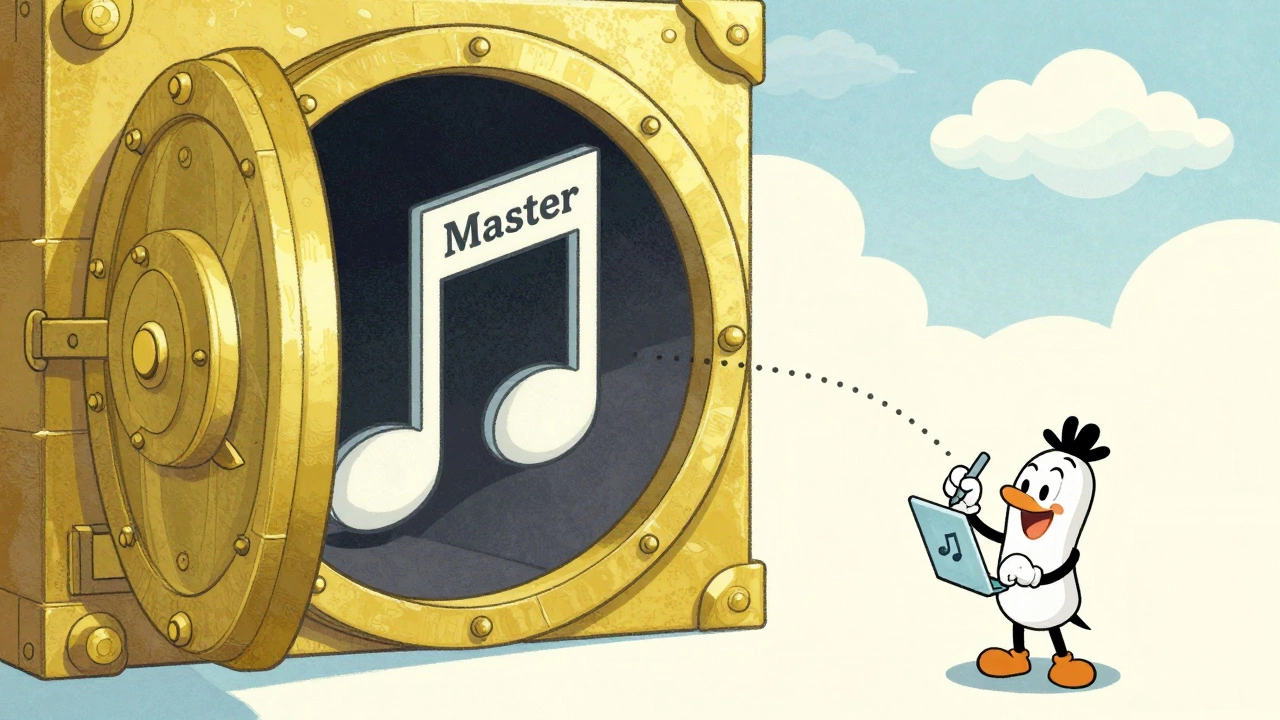
Every serious production house in the 1990s had a vault. Inside sat the "master tapes" or "golden negatives." These were the single source of truth. If you wanted to create a new mix, a DVD release, or a streaming version, you started from the master. You never edited the master directly; you created derivatives.
Today’s hybrid workflows use the exact same philosophy, just with different storage media. Companies like Dell Technologies and Backblaze promote the concept of a "Golden Copy" stored in secure object storage. Whether it’s a WAV file of a song or a raw camera log, this file is sacred. It sits in the cloud or on a central server, protected and immutable. All your creative work happens on copies or references to this file. This ensures that no matter how many collaborators touch the project, the quality never degrades below the original recording. The technology has shifted from climate-controlled rooms to encrypted cloud buckets, but the anxiety over losing the master remains unchanged.
Why Hybrid Workflows Feel Familiar
You might wonder why we haven’t moved to a fully fluid, AI-driven workflow where the computer manages everything automatically. The answer lies in human psychology and muscle memory. Engineers and producers grew up with the metaphors of the 1990s: bins, tracks, faders, and timelines. These interfaces provide a sense of control.
When vendors like Dalet or Pixitmedia introduce new AI tools, they don’t replace the timeline; they enhance it. AI might auto-transcribe lyrics or suggest EQ settings, but you still place those suggestions onto a track within a session file. We layer modern efficiency on top of legacy structures because relearning how to think about audio production would be too costly. The hybrid model bridges this gap, allowing teams to use powerful cloud resources for rendering and backup while keeping the familiar desktop experience for creative decisions.
Pitfalls of the Legacy Mindset
While the 1990s framework provides stability, it can also create blind spots. One major issue is the assumption that all data must follow a strict linear path: Ingest → Edit → Post → Archive. In reality, modern collaboration is messy and non-linear. A producer in London might send a stem to a mixer in Tokyo, who sends it to a mastering engineer in New York. The old "single master" model struggles with this chaos unless managed carefully with version control systems.
Another pitfall is "storage hoarding." Because cloud storage is cheap, many creators forget the discipline of the 1990s, where space was premium. They upload every take, every bad mic check, and every draft to the cloud, creating unmanageable digital junk drawers. The 1990s forced curation; the cloud encourages accumulation. Successful hybrid workflows require adopting the old discipline of logging and rejecting unusable material during the ingest phase, even if you have infinite storage available.
Next Steps for Your Workflow
If you want to optimize your current setup, start by auditing your metadata. Are your project files self-contained, or do they reference external drives that might go missing? Move toward a standardized naming convention that mimics the rigidity of 1990s tape logs but leverages searchability. Use cloud services for what they are best at: cold storage for archives and hot storage for collaborative review. Keep your active editing environment local and fast. By respecting the strengths of both eras-the discipline of the past and the flexibility of the present-you build a workflow that lasts.
What is a hybrid audio workflow?
A hybrid audio workflow combines local, high-performance computing for real-time editing and mixing with cloud-based storage for archiving, backup, and remote collaboration. It allows producers to work offline with speed while ensuring their projects are safely stored and accessible globally.
Why do we still use offline/online editing methods?
We use offline/online methods because they optimize performance. Editing with low-resolution proxies reduces strain on CPUs and networks, allowing for smoother playback. The final high-resolution files are only engaged during the export phase, ensuring quality without sacrificing workflow speed.
How does the 'Golden Copy' concept apply to digital music?
The 'Golden Copy' is the highest quality, uncompressed master file of a recording. In digital workflows, this file is stored securely in the cloud or on a central server. All other formats (MP3, streaming versions) are derived from this master, ensuring that the original audio quality is never compromised by repeated editing or compression.
Did 1990s software influence modern DAWs?
Yes, significantly. Early digital audio workstations like Pro Tools established the industry standard for timeline-based editing, track stacking, and plugin chains. Modern DAWs retain these core interfaces because they effectively communicate complex audio relationships to users.
What are the risks of ignoring legacy workflow principles?
Ignoring legacy principles can lead to disorganized projects, lost masters, and inefficient storage usage. Without the discipline of proper ingestion and archiving, creators may end up with unsearchable piles of files, making it difficult to retrieve or reuse content years later.