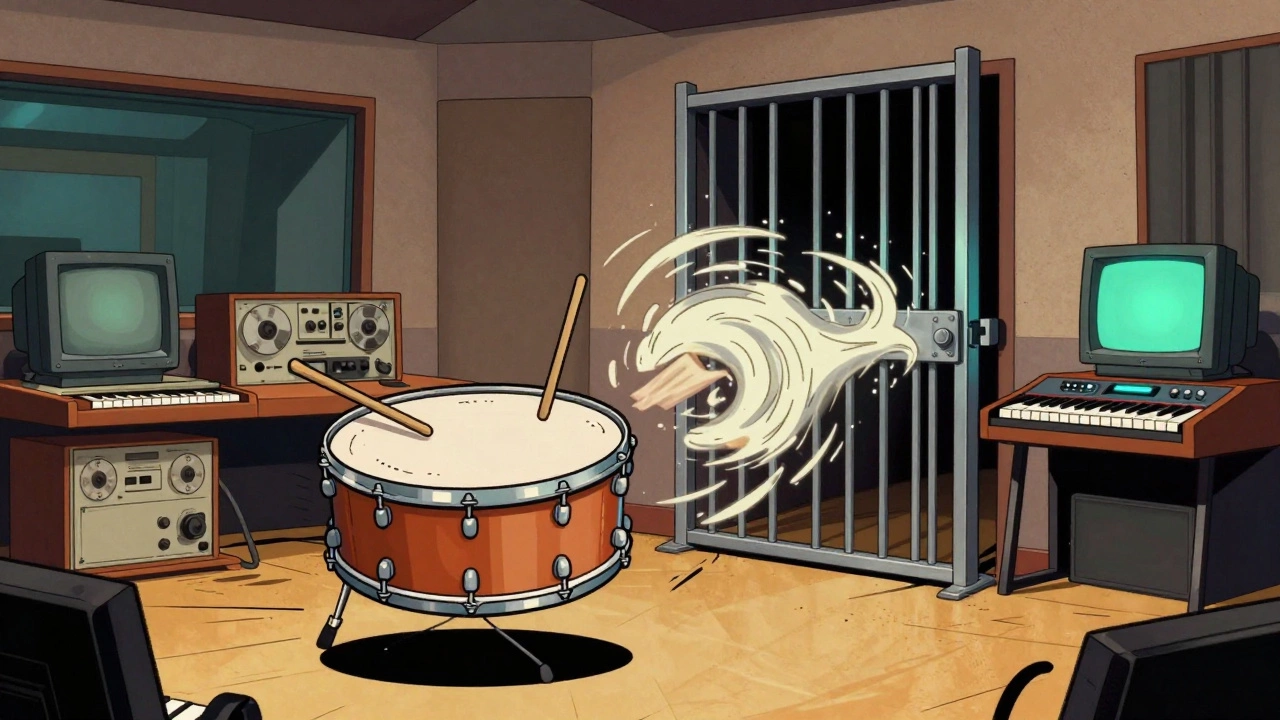

The gated reverb snare isn’t just a vintage effect-it’s a sonic fingerprint of an entire decade. Think Phil Collins’ In the Air Tonight, Peter Gabriel’s Sledgehammer, or even the opening of Duran Duran’s Rio. That huge, punchy, suddenly cut-off snare sound? That’s gated reverb. And today, you can recreate it in any DAW-even if you’re using free plugins. No fancy hardware needed. Just your computer, a snare sample, and a few basic tools.
Why This Sound Still Matters
You might think gated reverb is just a relic from the era of big hair and synth bass. But look at today’s pop charts. Dua Lipa’s Levitating, The Weeknd’s Blinding Lights, even Billie Eilish’s Bad Guy-they all borrow from that 1980s drum aesthetic. The gated reverb snare gives you power without mud. It hits hard, fills space, and doesn’t smear your mix. That’s why producers still use it. Not as a gimmick. As a tool.Here’s the truth: if you’re mixing drums and your snare feels thin or lost in the mix, gated reverb can fix that. It doesn’t add more reverb-it adds control. You get the roomy vibe without the long decay that muddies up other instruments.
The Core Idea: Reverb + Gate
Gated reverb isn’t one effect. It’s two effects chained together:- Reverb: A big, lush hall setting-think cathedral-sized, 3+ seconds decay.
- Noise Gate: A gate that slams shut the moment the snare hit ends, cutting off the reverb tail.
When you combine them, you get that signature swell-and-snap. The snare hits, the reverb blooms, then-bam-it’s gone. No lingering echo. Just impact.
And here’s the secret: you don’t apply this directly to the snare track. You send it to a separate effects channel. That’s how you keep control.
Step-by-Step: How to Build It in Any DAW
It doesn’t matter if you use Logic, Ableton, Cubase, FL Studio, or Reaper. The steps are the same. Let’s walk through them.
- Start with a clean snare. Before you even touch reverb, make sure your snare sounds good on its own. Use EQ to cut low-end rumble (below 100 Hz) and boost the crack around 4-6 kHz. Add light compression to even out the hits. This isn’t optional. A muddy snare will make a muddy gated reverb.
- Create an aux track. Name it “Gated Reverb.” This is where the magic happens. Don’t put the reverb on the snare. Send the snare’s signal to this track instead. That way, you can tweak the effect without touching the dry snare.
- Add reverb to the aux track. Insert a reverb plugin. Set it to a large hall setting. Make the decay time 2.5 to 4 seconds. Turn the dry/wet knob to 100% wet. Yes, 100%. You want nothing of the original snare on this track-only the reverb tail.
- Insert a noise gate after the reverb. This is critical. The gate must come after the reverb in the chain. Set the gate’s threshold high enough that it only opens when the snare hits. Then, set the attack to 0 ms (instant), hold to 50-100 ms (lets the reverb swell), and release to 100-200 ms (cuts it off fast). Play with these until the reverb swells like a wave and snaps shut like a door.
- Send snare to the aux track. On your snare track, turn up the send level to the “Gated Reverb” aux. Start with -12 dB and adjust until the effect feels big but not overwhelming. You want it to enhance, not replace, the snare.
That’s it. Four steps. Two plugins. One aux track.
DAW-Specific Tips
You don’t need third-party plugins. Every major DAW has what you need.
- Logic Pro: Use Space Designer for reverb (set to “Large Hall”). For the gate, use Dynamics → Noise Gate. The stock settings work great out of the box.
- Cubase: Use RoomWorks for reverb. Then add Gate after it. Use the send/return system: route snare → aux → reverb → gate.
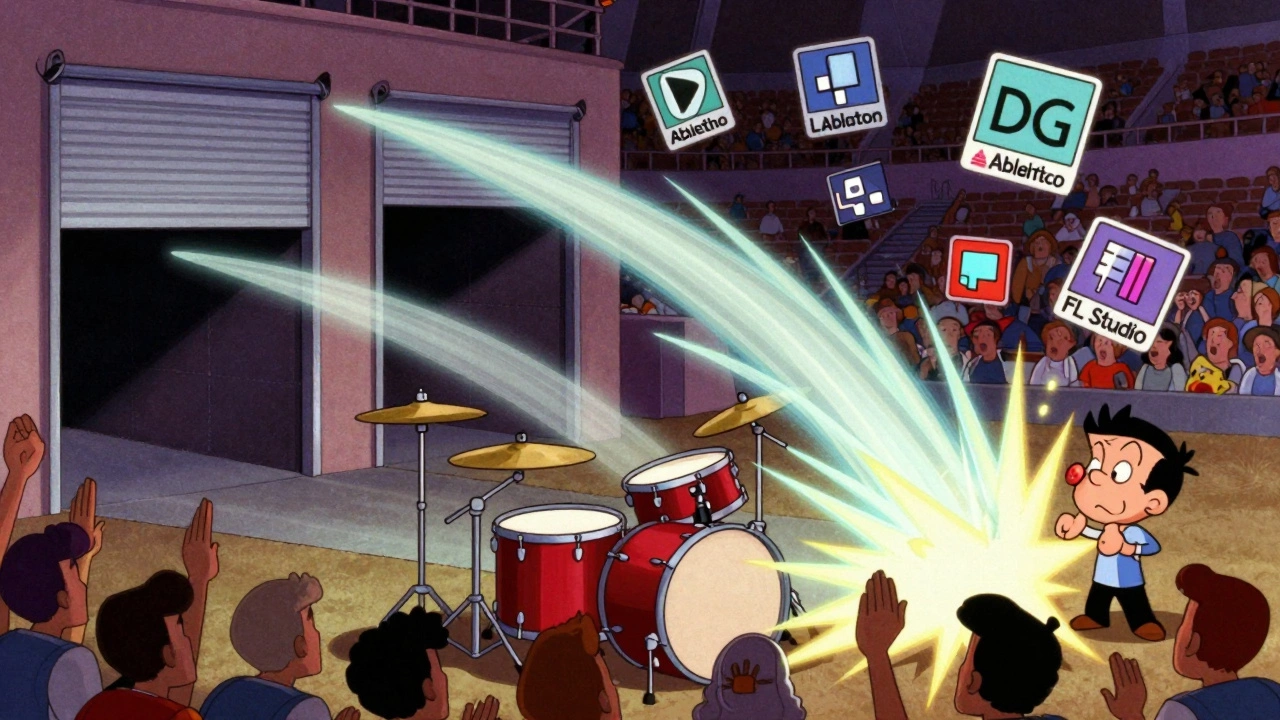
- Ableton Live: Use Reverb and Gate from the Audio Effects folder. Set the reverb to “Large Hall,” then chain the gate right after. Use a send from the snare to an audio track with the effect chain.
- FL Studio: Use Fruity Reverb 2 and Fruity Gate. Route the snare to a mixer track with the reverb and gate chained. Adjust the send level carefully-FL’s default send levels can be too hot.
Don’t overthink it. The tools are there. You just need to connect them.
Pro Tips for Authentic 1980s Tone
Modern reverbs are too bright. 1980s reverbs were dark. Muddy. Warm. That’s why you need EQ.
- After the reverb, but before the gate, insert an EQ. Cut everything above 8 kHz. That kills the fizz. Then cut below 150 Hz. That removes mud.
- Try adding a little saturation to the reverb track. A touch of tape emulation or tube warmth makes it feel more analog. Use a plugin like Soundtoys Decapitator (if you have it) or the built-in tape simulator in your DAW.
- Use side-chain compression if you want the gate to react even tighter. Route the snare as a side-chain input to the gate. This makes the gate snap shut more precisely to the snare’s attack.
And here’s a trick: try applying the same gated reverb to your toms. It sounds insane. That’s how you get those huge, stadium-style drum fills from the ’80s.
When Not to Use It
Gated reverb isn’t a cure-all. Don’t slap it on every snare. It works best on:
- Rock, pop, and synthwave tracks with strong rhythmic drive
- Snare recordings with a sharp attack (not too boomy)
- Genres where drum presence is key (think pop ballads, dance tracks)
Avoid it on:
- Acoustic or jazz recordings-it sounds fake
- Snare samples that are already heavily processed
- Low-budget mixes where you can’t afford to clutter the frequency spectrum
If your mix feels crowded, try reducing the send level. Sometimes, -18 dB is all you need.
Common Mistakes
- Putting the gate before the reverb-this kills the reverb before it even starts. Always put the gate after.
- Using too much wet signal-if the gated reverb track is louder than the dry snare, it’ll sound like a separate echo, not a natural tail.
- Ignoring EQ-bright reverb = harsh. Dark reverb = authentic. Cut the highs.
- Not adjusting the hold time-if the gate releases too fast, you lose the swell. Too slow, and it drags. Find the sweet spot.
Final Thought: Less is More
The best gated reverb sounds like it was always there. Not like a plugin was slapped on. Start with subtle sends. Listen in context. A little goes a long way. If you can’t hear it clearly when soloed, you’re probably overdoing it.
Try this: mute the gated reverb track. Then unmute it. If you feel a difference in the weight and space of the snare, you nailed it. If it just sounds louder, turn it down.
That’s the goal. Not a bigger sound. A better one.
Can I use gated reverb on kick drums too?
Yes, but it’s trickier. Kicks have low-end energy that can trigger the gate unpredictably. If you try it, use a side-chain from the snare to trigger the gate on the kick’s reverb. This keeps it tight and in time. Many 1980s tracks used this for massive, gated kick drums-think Phil Collins’ Take Me Home.
Do I need a special plugin for gated reverb?
No. Every major DAW has a reverb and a noise gate built in. You don’t need anything extra. The technique works with stock plugins. In fact, using stock tools forces you to understand the fundamentals instead of relying on presets.
Why does the reverb need to be 100% wet?
Because you want the dry snare to stay clean and punchy on its own track. The aux track is only for the reverb tail. If you leave dry signal on the reverb track, you’ll get a muddy blend of direct sound and delayed sound. Separating them gives you control over both.
Is gated reverb only for snares?
No. It’s most famous on snares, but it’s also great on toms, claps, and even synths. Try it on a clap track-it turns a simple hit into a huge, cinematic explosion. That’s how you get those epic 1980s drum fills.
What if my snare sounds too artificial with gated reverb?
You probably have too much reverb or the gate release is too slow. Try reducing the send level, shortening the decay time, and lowering the hold. Also, roll off high frequencies on the reverb track. Real 1980s reverbs were dark and slightly distorted. Don’t chase clarity-chase vibe.


