

You remember the sound. That specific, slightly hollow hiss of a dial-up modem connecting to the internet, followed by the agonizing wait for a single MP3 file to download. It was the late 1990s, and we were all trying to build digital jukeboxes on hard drives that cost more than our cars. But if you open one of those old external drives today, or even just dig through your own nostalgia, you’ll find something strange. The files are there, but the information is wrong. Artists are misspelled. Albums don’t match. Tracks labeled "Live" are studio recordings. This wasn't just user error; it was systemic chaos caused by a format that didn't know how to talk about itself.
The Birth of the Silent File
To understand the mess, you have to look at what an MP3 actually is. Technically, it’s MPEG-1 Audio Layer III, a compression standard finalized in 1993. Its job was simple: make audio small enough to store and send over slow connections. A four-minute song at CD quality takes up about 42 MB. Compressed as a 128 kbit/s MP3, that same song drops to roughly 3.84 MB. That’s a massive win for storage, but it came with a hidden cost. The compression algorithm focused entirely on the audio waveform. It stripped away everything else. It didn’t care who sang the song, what album it came from, or what year it was released. The file was silent about its own identity.
This created a vacuum. Users needed a way to identify these anonymous blobs of data. Enter ID3v1, invented by Eric Kemp in 1996. The name stood for "IDentify an MP3," which was charmingly literal. Kemp’s solution was hacky but effective for the time. He appended a fixed 128-byte block to the very end of the file. Early players that didn’t understand tags would just ignore this extra data, treating it as noise. If you looked at the raw bytes, you’d see the marker "TAG" followed by fields for title, artist, album, year, comment, and genre. Each text field was limited to exactly 30 characters. No more, no less.
The 30-Character Trap
Thirty characters sounds like plenty until you try to fit real-world data into it. What happens when an artist has a long name? Or an album title includes a subtitle? You get truncation. "Guns N' Roses" fits fine, but try adding a live version note, and you’re cutting off words. Worse, the original ID3v1 spec had no concept of Unicode. It used basic ASCII characters. Try to tag a track by Björk, and the special character often turned into a question mark or a garbled symbol depending on the software. There was no field for composer, no field for disc number, and only a single byte for genre, chosen from a rigid list of 80 options. Want to label something as "Lo-Fi Hip Hop"? Too bad. You picked "Hip-Hop" or "Jazz," and you lived with it.
Then came ID3v2 in 1998. Led by Martin Nilsson and others, this new standard tried to fix the limitations. Instead of a tiny block at the end, ID3v2 placed variable-length frames at the beginning of the file. It supported Unicode, images (album art), and much longer text. But here’s where the chaos really started: compatibility. ID3v2 wasn’t backward compatible with older players. Many hardware MP3 players couldn’t read the header at the start of the file and would skip the first few seconds of audio or fail to play the track entirely. So, users faced a dilemma. Do they use the safe, limited ID3v1? Or do they risk breaking playback with the richer, modern ID3v2?
Software Wars and Tag Conflicts
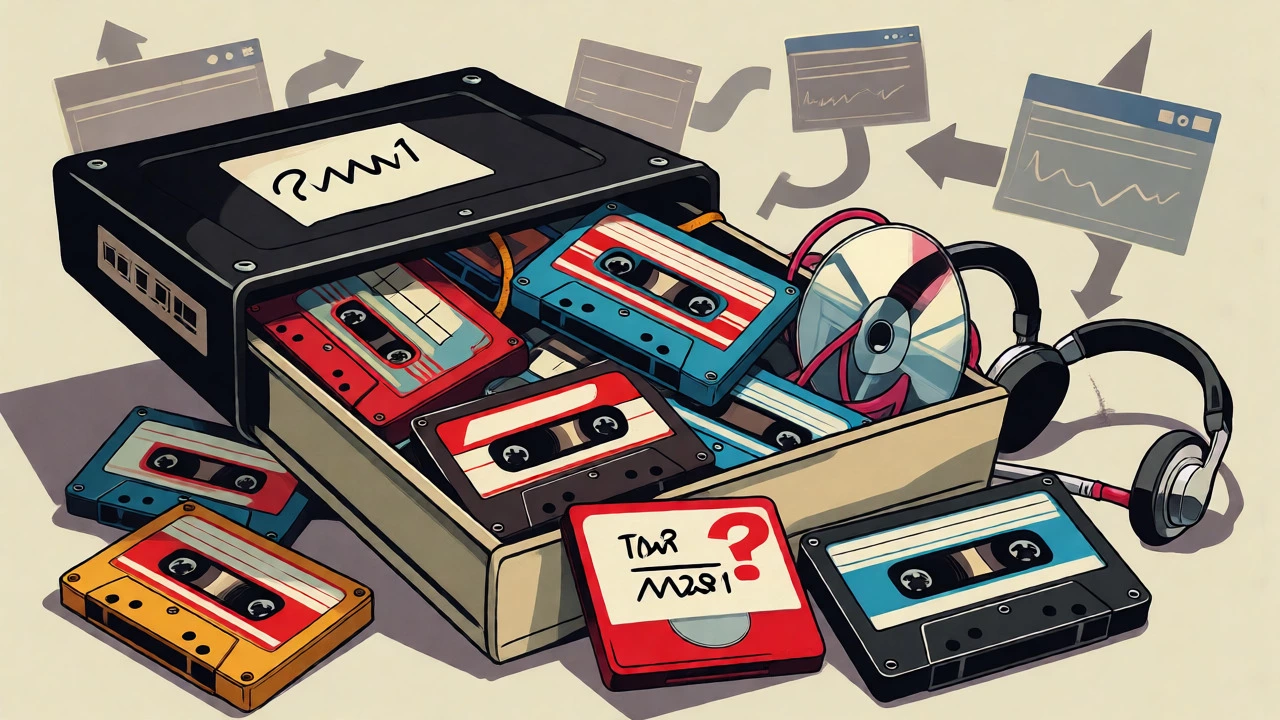
Because there was no central authority enforcing a single tagging method, every piece of software did its own thing. Winamp, released by Nullsoft in 1997, became the dominant player. By 2000, it had over 25 million registered users. Winamp displayed metadata beautifully, making people aware of their missing tags. But it also exposed the inconsistencies. One program might write an ID3v2.3 tag using UTF-16 encoding. Another might write ID3v2.4 using UTF-8. A third might only update the filename and leave the tags blank.
If you opened a file in a player expecting ISO-8859-1 encoding but the tag was written in UTF-8, accented characters would display incorrectly. If you converted a file from MP3 to another format and back, some tools might strip the ID3v2 tag entirely, leaving only the outdated ID3v1. Some users kept three different tag sets simultaneously-ID3v1, ID3v2.3, and APEv2-hoping that whichever player they used next would pick up the correct one. Often, they didn’t. They picked up the wrong one, or none at all.
| Feature | ID3v1 / v1.1 | ID3v2.3 | ID3v2.4 |
|---|---|---|---|
| Location | End of file | Start of file | Start of file |
| Size Limit | 128 bytes total | Up to 256 MB total | Up to 256 MB total |
| Text Fields | 30 chars max | Variable length | Variable length |
| Encoding | ASCII/Latin-1 | UTF-16 or Latin-1 | UTF-8 preferred |
| Album Art | No | Yes (APIC frame) | Yes (APIC frame) |
| Compatibility | Universal | High (breaks old HW) | Medium (newer SW only) |
Napster and the Viral Spread of Errors
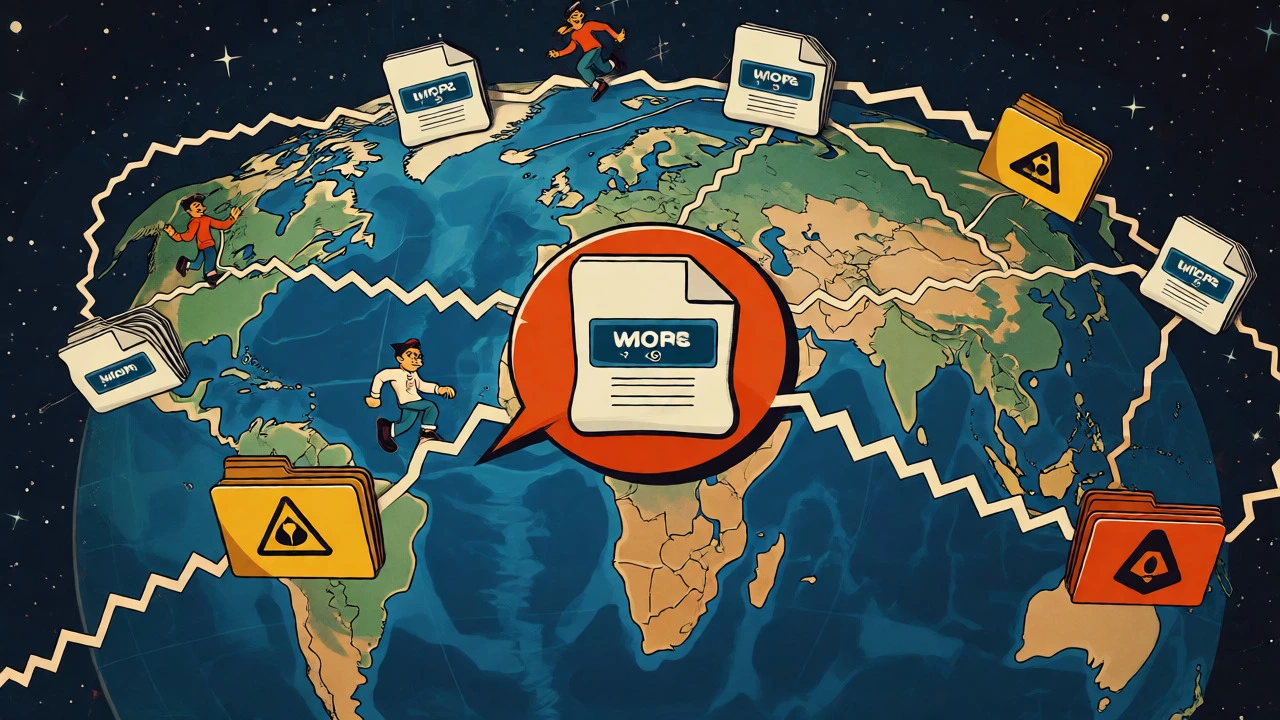
If local copying caused minor errors, Napster amplified them globally. Launched in 1999, Napster didn’t host files on a central server. It indexed files stored on users’ personal computers. When you searched for a song, you were searching the filenames and metadata provided by strangers. There was no editorial review. If User A ripped a CD incorrectly and tagged the artist as "Radiohead" instead of "Thom Yorke," and then shared that file, thousands of other users downloaded that error.
This decentralized model meant that misinformation spread faster than truth. A mislabeled file could be copied, renamed, and retagged by dozens of people before anyone realized it was wrong. You might download a track named "SongTitle.mp3," check the ID3 tag to see "Artist - Album," and then listen to realize it was a cover band, a radio edit, or completely different song. Because the search relied on text strings, not audio fingerprints, the system couldn’t verify content. It trusted the label. And in the late 90s, labels were cheap and often wrong.
The Filename vs. Tag Dilemma
Another layer of confusion came from filenames. Operating systems like Windows 95 and 98 had strict naming conventions. Spaces were problematic in early web transfers, so many users replaced spaces with underscores or dashes. "Artist_-_Song.mp3" became common. But some programs ignored filenames entirely and read only the embedded tags. Others prioritized the filename over the tag. This led to a bizarre scenario where two identical audio files could appear differently in your library depending on which software you used.
Worse, users often renamed files manually after downloading, assuming the new name reflected the content. They might rename "track01.mp3" to "My Favorite Song.mp3" based on a guess. Later, when they ran a batch tagger that wrote the filename into the ID3 title field, the "correct" tag was overwritten by the user’s assumption. The provenance of the data was lost. Was the title in the tag because it came from the CD database, or because someone typed it in while listening to a low-quality stream? Nobody knew.
Legacy Lessons for Digital Preservation
Today, we take metadata for granted. Streaming services provide perfect, standardized data. But the underlying lesson from the 1990s remains critical for anyone managing digital assets. Compression solved the problem of size, but it didn’t solve the problem of identity. An MP3 file is a container for audio, not a catalog entry. The metadata is a claim made by software or users, not a fact embedded in the physics of the sound wave.
If you still have old collections, don’t trust the first thing you see. Use tools like Mp3tag or MusicBrainz Picard to inspect multiple tag versions. Check the audio duration against known releases. Verify the actual recording. The chaos of the 1990s wasn’t just a technical glitch; it was a preview of the challenges we face with any decentralized digital archive. Without authoritative sources and consistent standards, our libraries are always one bad download away from becoming a mystery box.
Why did MP3 files have so many different tag formats?
There was no single official standard for MP3 metadata initially. ID3v1 was a community hack, and ID3v2 evolved separately with competing versions (2.2, 2.3, 2.4). Different software developers implemented different versions, leading to fragmentation.
What is the difference between ID3v1 and ID3v2?
ID3v1 is a fixed 128-byte block added to the end of the file with limited fields (30 chars) and poor character support. ID3v2 is a flexible structure at the beginning of the file supporting Unicode, images, and longer text, but it broke compatibility with older players.
How did Napster contribute to metadata errors?
Napster relied on user-supplied filenames and tags for search results. Since there was no central verification, incorrect tags spread virally as users shared files. A single mislabeled file could infect thousands of other collections.
Can I fix my old MP3 library automatically?
You can use tools like MusicBrainz Picard, which uses audio fingerprinting rather than just filenames or existing tags. However, automatic fixes can sometimes overwrite correct manual edits, so it's best to backup your files first.
Why do some MP3 players skip the beginning of songs?
This often happens with ID3v2 tags. Older hardware players expect audio data to start immediately. If they encounter a large ID3v2 header at the start of the file, they may misinterpret the metadata bytes as audio silence or noise, effectively skipping part of the track.