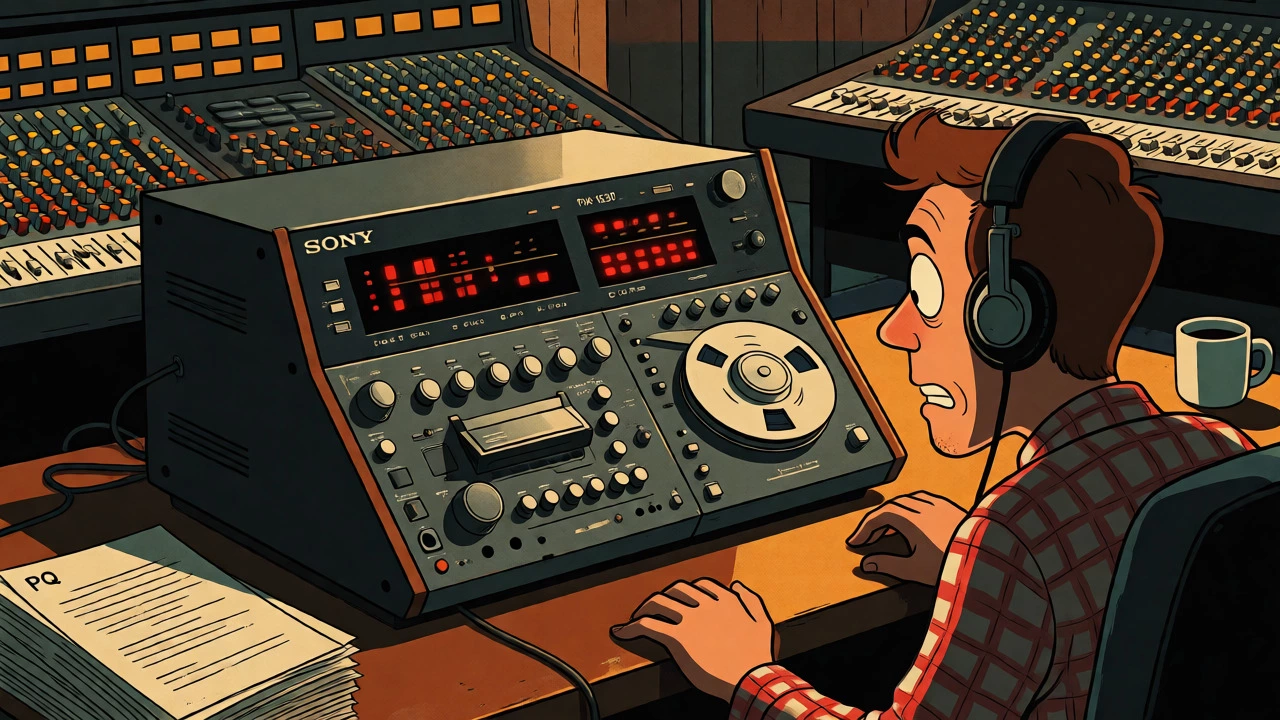

Imagine you are a mastering engineer in 1994. You have just finished polishing a rock album that sounds incredible on your monitors. You hand over the master tape, and two weeks later, the record label calls with panic in their voice. The CDs coming off the line have tracks starting half a second too early, or worse, the hidden track at the end doesn't show up on certain players. What went wrong? It wasn't the sound quality. It was the invisible data structure known as PQ codes and the rigid rules of the Red Book standard.
In the 1990s, mastering for Compact Disc (CD) was less about creative EQ choices and more about precise digital logistics. While today we drag-and-drop files into streaming platforms, back then, every album had to conform to a strict physical specification created by Sony and Philips. This guide breaks down how engineers navigated the technical minefield of CD replication, from the frame-accurate timing of subcodes to the administrative necessity of International Standard Recording Codes (ISRC).
The Foundation: Understanding the Red Book Standard
Before you could burn a disc or send a tape to a plant, you had to obey the Red Book. This is the common name for the Compact Disc Digital Audio (CD-DA) specification, published jointly by Sony and Philips in 1980. It defined the physical and logical format of the CD. Think of it as the constitution of the CD world. If your master didn't follow its laws, the factory couldn't press it, or the player couldn't read it.
The Red Book dictated the audio payload: uncompressed linear Pulse Code Modulation (PCM). Specifically, it required two channels of stereo audio, sampled at 44,100 times per second, with 16-bit resolution. This resulted in a data rate of 1,411,200 bits per second. There were no exceptions for high-resolution audio; if you wanted to release a CD, you downscaled everything to these specs.
But the Red Book wasn't just about sound. It defined the physical layout. A standard CD held approximately 74 minutes of audio initially, though this was later extended to around 79-80 minutes. It set limits on track counts (maximum 99 tracks) and minimum track durations (usually 4 seconds including gaps). For a mastering engineer, these weren't suggestions; they were hard walls. Exceeding them meant your album simply wouldn't fit or would fail validation checks at the replication plant.
The Invisible Architecture: P and Q Subcode Channels
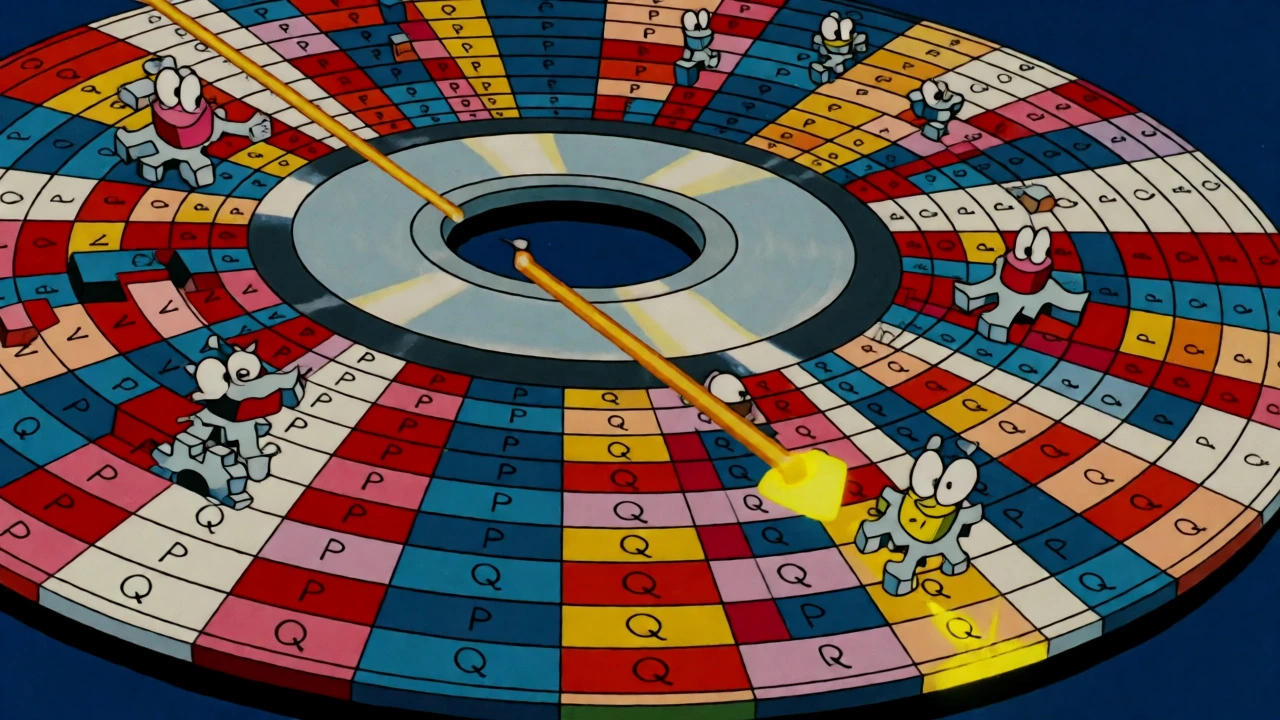
Here is where things get tricky. The audio you hear lives in the main data stream. But the instructions telling the laser where to go live in the "subcode." Every single frame of audio on a CD contains eight bits of subcode information, labeled P through W. Two of these channels-P and Q-are critical for navigation.
P channel acts as a simple switch. It tells the player whether the current area is program material (audio) or a pause/gap. It’s binary: 0 for silence/pause, 1 for audio. Simple enough.
The Q channel is the brain of the operation. It carries the complex metadata needed to navigate the disc. This includes:
- Track Numbers: Identifying which song is playing.
- Index Points: Markers within a track (Index 01 is the start of the song; Index 00 is the pregap before it).
- Time Data: Both elapsed time within the track and absolute time on the disc.
- Flags: Special instructions like "Pre-emphasis" or "Copy Prohibit."
When people talk about "PQ coding," they aren't talking about an effect plugin. They are talking about generating this specific data stream so the CD player knows exactly where Track 3 ends and Track 4 begins. In the 1990s, this process was often handled by specialized hardware like the Sony PCM-1630 system, which encoded this subcode onto U-matic videotapes alongside the audio.
Precision Matters: Frame-Accurate Timing
You might think, "If I'm off by a millisecond, who cares?" In the analog world, maybe nobody. In the digital CD world, precision was non-negotiable. The CD operates on frames. One second of audio equals 75 frames. Therefore, one frame lasts approximately 13.33 milliseconds.
All PQ data is quantized to these frame boundaries. You cannot place a track start halfway between two frames. If your PQ sheet said Track 1 starts at 00:00:00, but your premaster had a slight offset due to a bad edit or incorrect drive calibration, the track might start late. Worse, if the gap between tracks was misaligned, you might get unwanted clicks or pops because the player tried to play silence as audio, or vice versa.
This is why the concept of the "pregap" became such a hot topic. Technically, Index 00 represents the silent space before a track's audible start (Index 01). Engineers had to decide: Do I want a true gap (silence coded as part of the previous track's tail or a dedicated pause)? Or do I want a seamless transition? On many consumer players, even a tiny mismatch in the PQ index points could cause the display to jump or the audio to glitch.
The Administrative ID: International Standard Recording Codes (ISRC)
While PQ codes help the player find the music, the ISRC helps the industry identify it. An ISRC stands for International Standard Recording Code. It is not a barcode (which identifies the physical product) and it is not a catalog number (which identifies the release). It identifies the specific recording itself.
Introduced in the late 1980s and pushed heavily by IFPI in the early 1990s, the ISRC became mandatory for professional releases. Why? Royalties. When radio stations played a song, or when sales were tracked, the ISRC allowed databases to link that playback to the correct rights holder. Without it, tracking revenue for a specific version of a song across different formats was a nightmare.
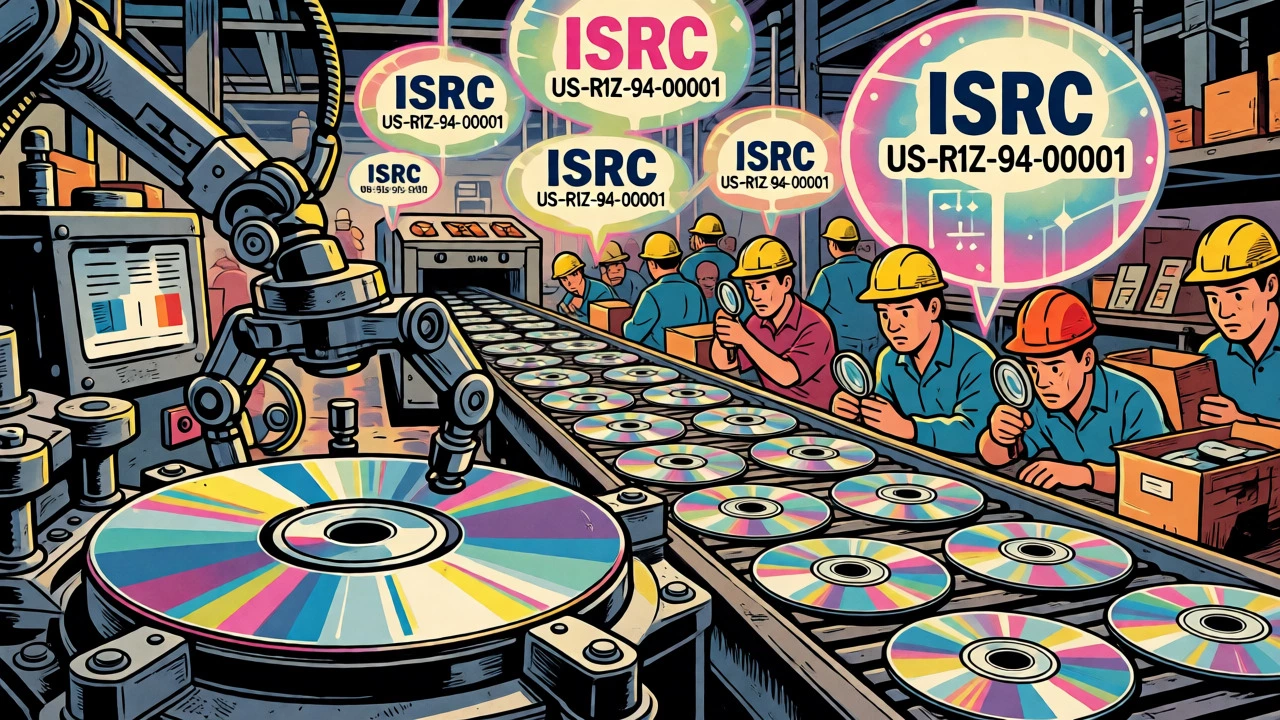
The code looks like this: US-R1Z-94-00001. Let's break it down:
| Component | Length | Description |
|---|---|---|
| Country Code | 2 chars | ISO country code (e.g., US for United States, GB for UK) |
| Registrant Code | 3 chars | Unique code assigned to the label or entity registering the recording |
| Year of Reference | 2 digits | Last two digits of the year the recording was first registered |
| Designation Number | 5 digits | Sequential number assigned by the registrant to the specific recording |
A crucial rule for 1990s engineers: If you remaster a song significantly, change its length, or create a new mix, you need a new ISRC. Reusing the old code caused massive headaches for royalty accounting because the database thought it was the exact same file, even if the audio content differed.
Delivery Methods: From Tape to File
How did all this data get to the factory? In the early 90s, you didn't just email a WAV file. The gold standard was the U-matic tape, specifically using the Sony PCM-1610 or PCM-1630 systems. These were digital audio recorders that used video tapes to store audio and subcode simultaneously.
The workflow looked like this:
- Mastering: Engineer adjusts levels and EQ on the console.
- Premastering: Engineer uses a dedicated unit (like the 1630) to encode the audio with PQ subcode and ISRCs.
- QC Check: The engineer listens to the tape, checking for dropouts and verifying the PQ sheet against the actual tape positions.
- Shipping: The tape is sent overnight to the replication plant.
Later in the decade, PMCD (Premastered CD) became popular. Instead of tape, you burned a CD-R with the final PQ data. However, this introduced new risks. Not all CD-R drives wrote accurate offsets. Some cheap burners added latency that shifted the PQ data relative to the audio. If the plant received a PMCD, they had to be extremely careful to verify the write strategy matched the intended layout.
By the late 90s, we saw the rise of DDP (Disc Description Protocol). This was a folder of files containing the audio images and a text file describing the structure. It was cleaner than tapes and safer than CD-Rs, paving the way for the file-based workflows we use today.
Common Pitfalls and Quality Control
Even with the best gear, errors happened. Here are the most common failures in 1990s CD mastering:
- Pre-emphasis Flag Mismatch: Early CDs sometimes used pre-emphasis (boosting highs during mastering, cutting them on playback) to reduce noise. If the engineer applied the filter but forgot to set the flag in the Q-channel, the CD sounded harsh and bright. If they set the flag but didn't apply the filter, it sounded dull.
- Hidden Tracks: Placing a track in the lead-in or lead-out area (before track 1 or after the last track) was a favorite trick for bands like Nirvana or Pearl Jam. But if the PQ data didn't correctly mark the start of this hidden section, many players would ignore it entirely.
- ISRC Typos: Since ISRCs were often typed manually into the encoder, a single digit error meant the royalties went nowhere. QC involved reading every character aloud while comparing it to the paperwork.
- Total Time Overflow: Calculating the total running time incorrectly led to masters that exceeded the 74-minute limit, requiring a rush re-master or a compromise on track order.
Quality control wasn't just listening. It involved using specialized software to audit the PQ data. Tools would scan the disc or tape and report: "Track 5 starts at frame 12345, but the PQ sheet says frame 12340." That five-frame difference might seem trivial, but in a continuous DJ mix or a classical movement, it broke the flow.
What happens if my CD master has the wrong PQ codes?
The CD will likely still play, but navigation will be broken. Tracks might not seek correctly, the time display might freeze or jump, and gaps between songs might contain clicks or unintended silence. In severe cases, the player might refuse to recognize the disc as a valid audio CD.
Do I need an ISRC for every track?
Yes, for professional commercial releases. Each individual recording needs its own unique ISRC. If you have an album with 10 songs, you need 10 distinct ISRCs. Intro/outro skits usually get their own codes too if they are considered separate recordings.
Can I use a regular CD-R as a master?
In the 1990s, yes, but it was risky. It had to be a "Premastered CD" (PMCD) written in Disc-at-Once mode with correct subcode embedding. Many factories rejected CD-Rs if they couldn't verify the write strategy or if the drive used added significant jitter or offset errors.
What is the difference between Red Book and Yellow Book?
Red Book defines Audio CDs (CD-DA). Yellow Book defines CD-ROM data storage. While they share the same physical disc format, the logical structure and error correction methods differ slightly. An audio CD follows Red Book; a computer game or software disc follows Yellow Book.
Why did some CDs have a "Pre-emphasis" flag?
It was a noise reduction technique. High frequencies were boosted during recording/mastering to overcome tape hiss or digital noise. Compatible CD players would detect the flag and attenuate those frequencies during playback, restoring the original balance. If ignored, the audio sounded tinny.
The Legacy of 1990s CD Standards
Today, we rarely think about frames and subcodes. We upload a WAV file, and the distributor handles the rest. But the architecture of modern digital audio owes a debt to the Red Book. The separation of audio payload from metadata (ISRC, title, artist) established in the 90s is still how we tag files. The insistence on standardized identifiers paved the way for digital rights management in the streaming era.
If you are looking at old archives or working with legacy projects, remember: the magic of a CD wasn't just in the music. It was in the meticulous alignment of 75 frames per second, the careful assignment of registrant codes, and the rigorous verification of every pause and gap. It was engineering as much as it was art.
